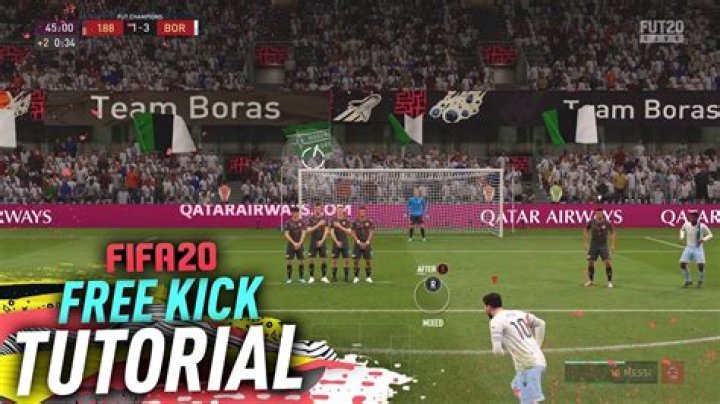

Free kicks are an important part of FIFA 20 to capitalize off of penalties with set pieces and there are numerous types of free kicks to master. In this guide we’ll explain how to take free kicks in FIFA 20, how to practice free kicks, and all the controls that you need to know will taking a free kick.
How to Take Free Kicks
Free Kicks will be awarded for numerous penalties against the other team. The controls for Free Kicks in FIFA 20 are a little bit different and you’ll find all the buttons that you need below:
| Action | PlayStation | Xbox / PC |
| Select Kick Taker | R2 | RT |
| Add Kick Taker | R1 / L2 | RB / LT |
| Aim Free Kick | Left Stick | Left Stick |
| Move Kick Taker | Right Stick | Right Stick |
| Ground Pass | X | A |
| Lob Pass Cross Pass | ▢ | X |
| Curled Shot | ◯ | B |
| Curled Shot | L1 + ◯ | LB + B |
Advanced Free Kicks
You can call 2nd and 3rd kick takers during a free kick. You can do this by using the L2 /LT button or the R1/RB Button. You can then use run overs, layoff, curled shots and more by using the face buttons on the controller.
How to Practice Free Kicks
There are only a few different opportunities to take free kicks in a live game. So it’s probably a good idea to practice them before playing against a live opponent. You can do this in the practice arena by accessing the Practice Arena. Once inside the Practice Arena you can practice your free kicks by pressing up, down, left, or right on the d-pad. This will set up a free kick where you can get used to the distance and strength required for a kick from various distances.